4K Native 1080P Android 11 Projector 390ANSI HY320 Dual Wifi6 BT5.0 Cinema Outdo
Product Description
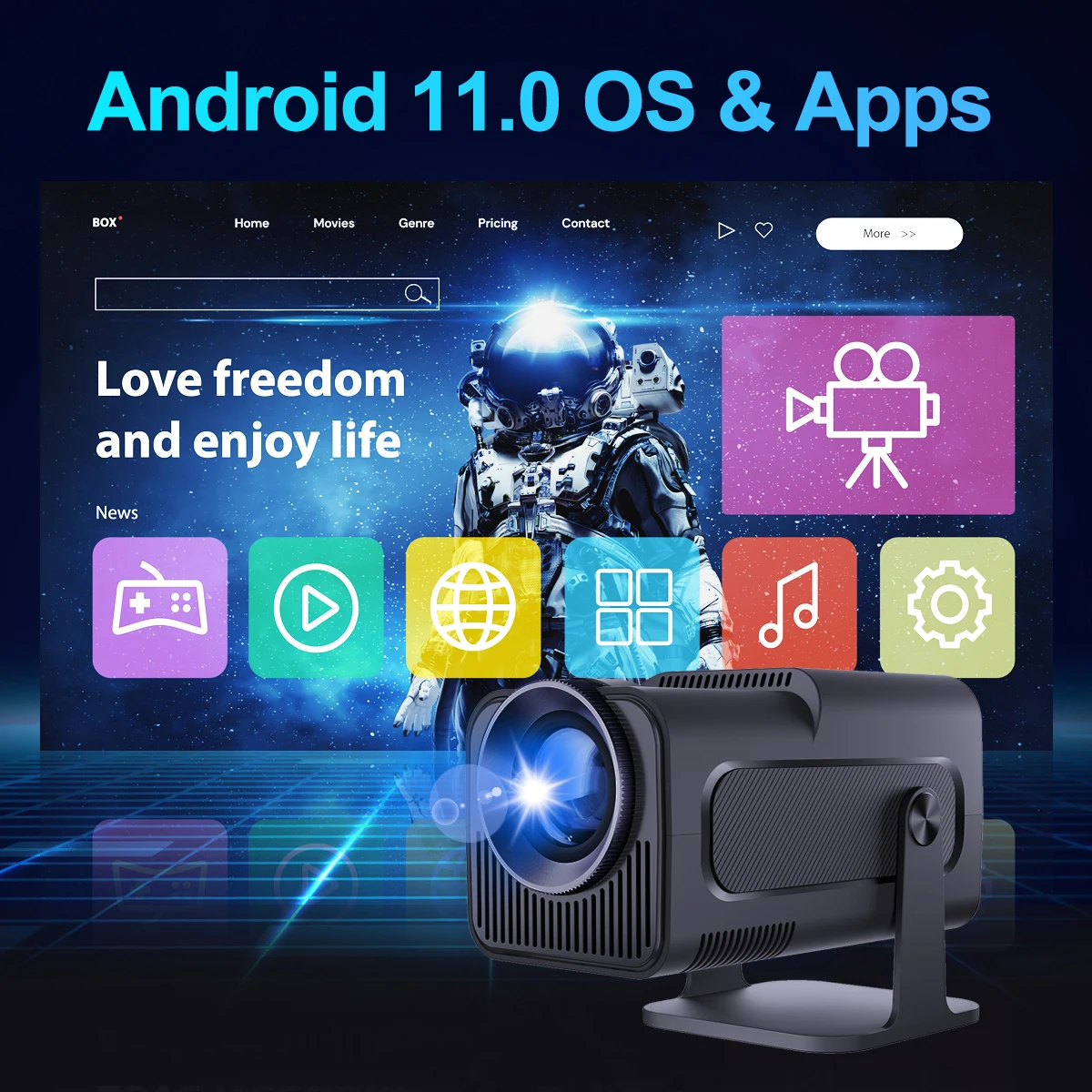
OS: Android 11.0
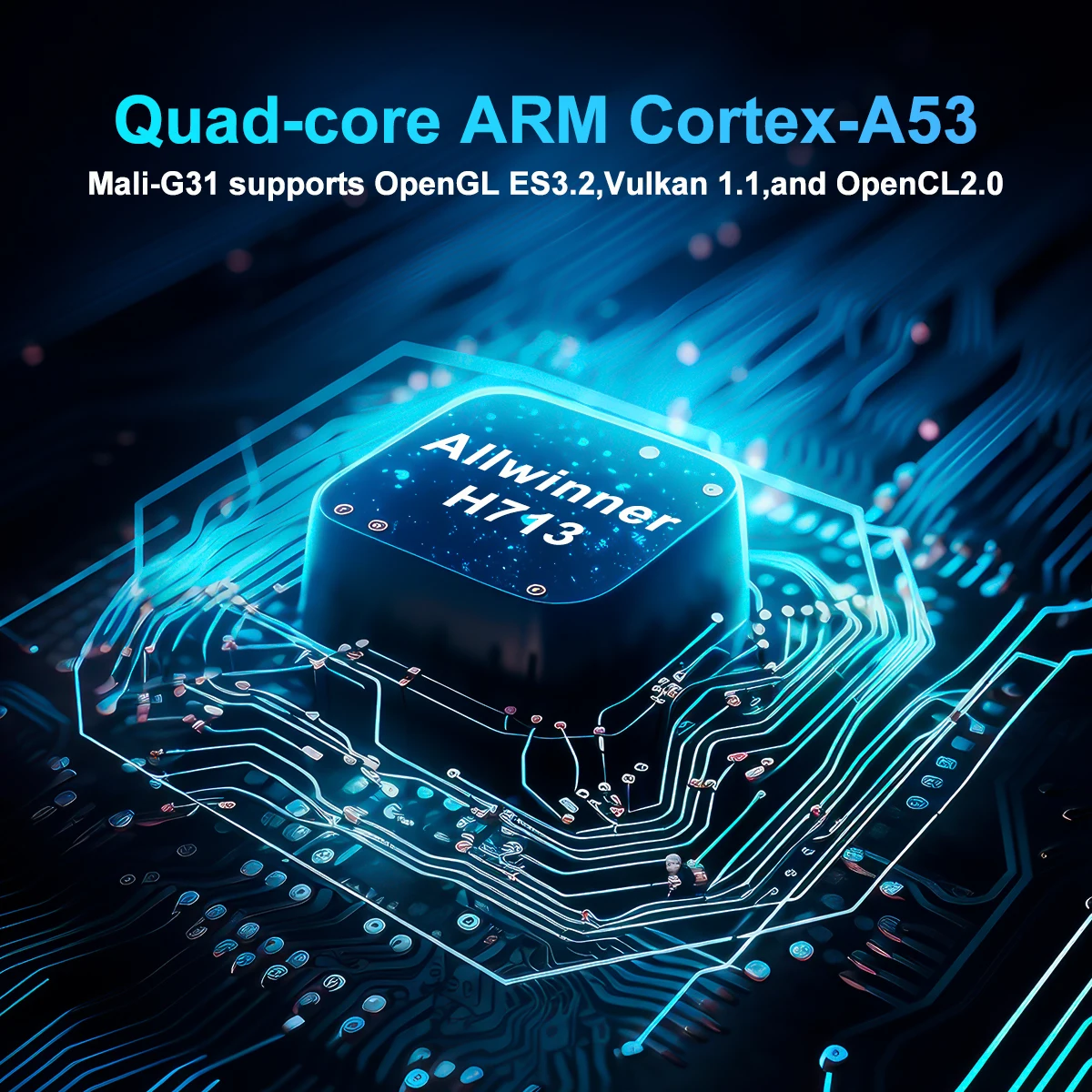
CPU: Allwinner H713 Quad-core ARM Cortex-A53
GPU:Mali-G31supports OpenGL ES3.2,and OpenCL2.0Product Features
👍 Native 1080P Full HD Resolution
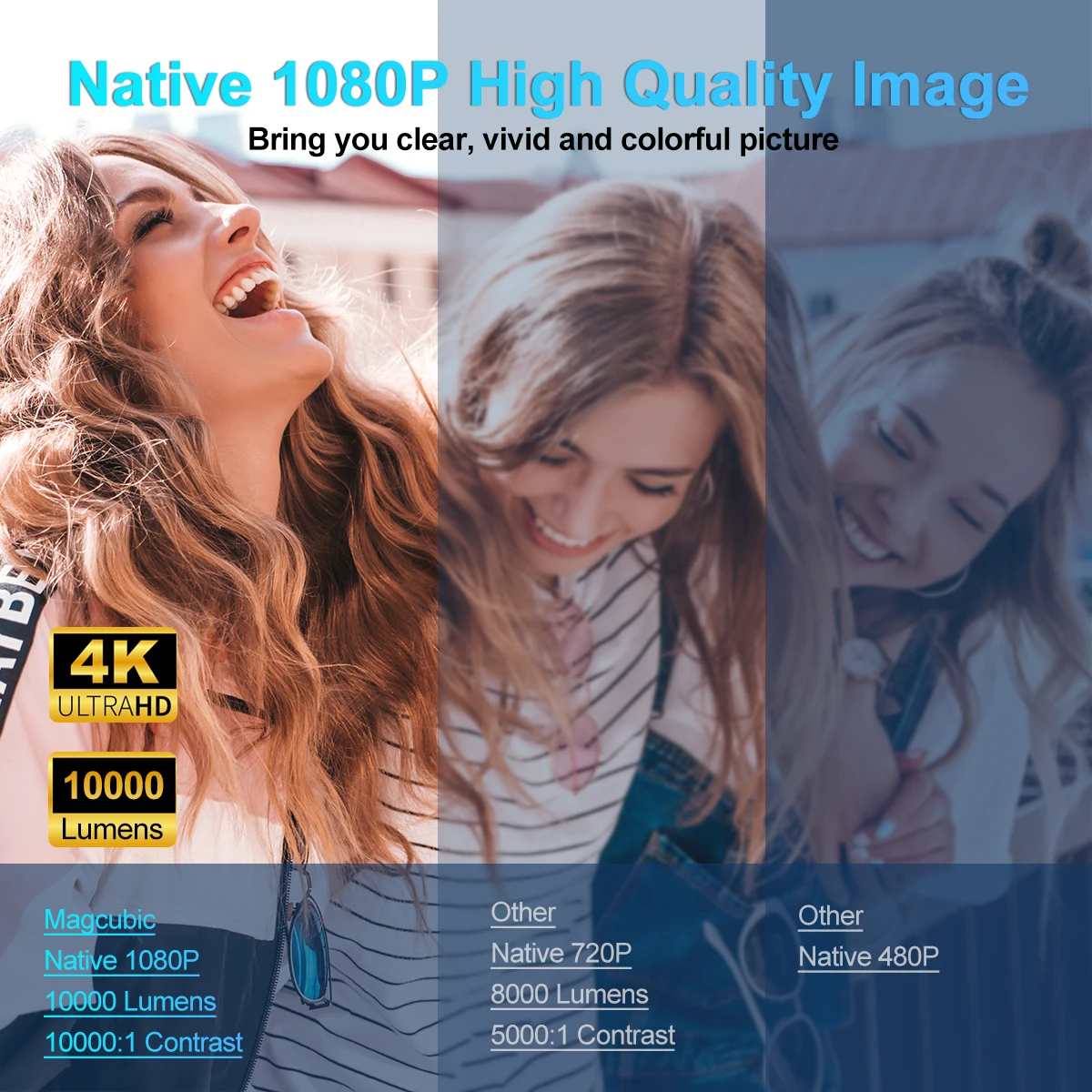
If you have a high requirement for clarity of projector, this Full HD projector must be your favorite. With a resolution of 1920*1080, a brightness of 10000Lumens, and a dynamic contrast ratio of up to 10000:1, the projector shows a more clearer, brighter, and richer picture
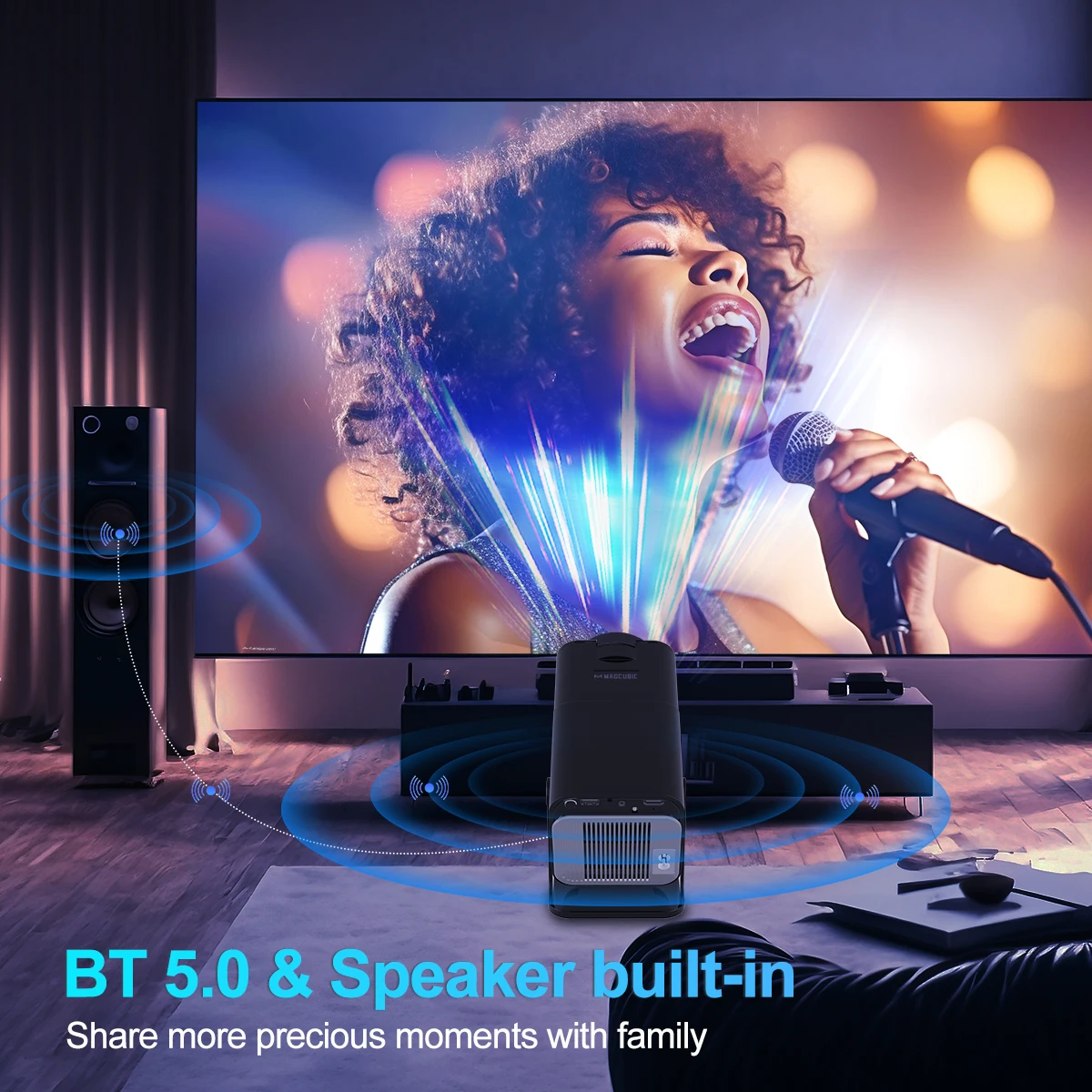
👍 BT 5.0 Function and HiFi Stereo Speakers
The projector's built-in dual HiFi stereo surround speakers restores the original audio fidelity, allowing you to experience an excellent listening experience without connecting external speakers. The BT projector can connect headphones, speakers and other audio equipment through it, and you can experience the cinema-level surround effect at home.
👍 150'' Giant Screen
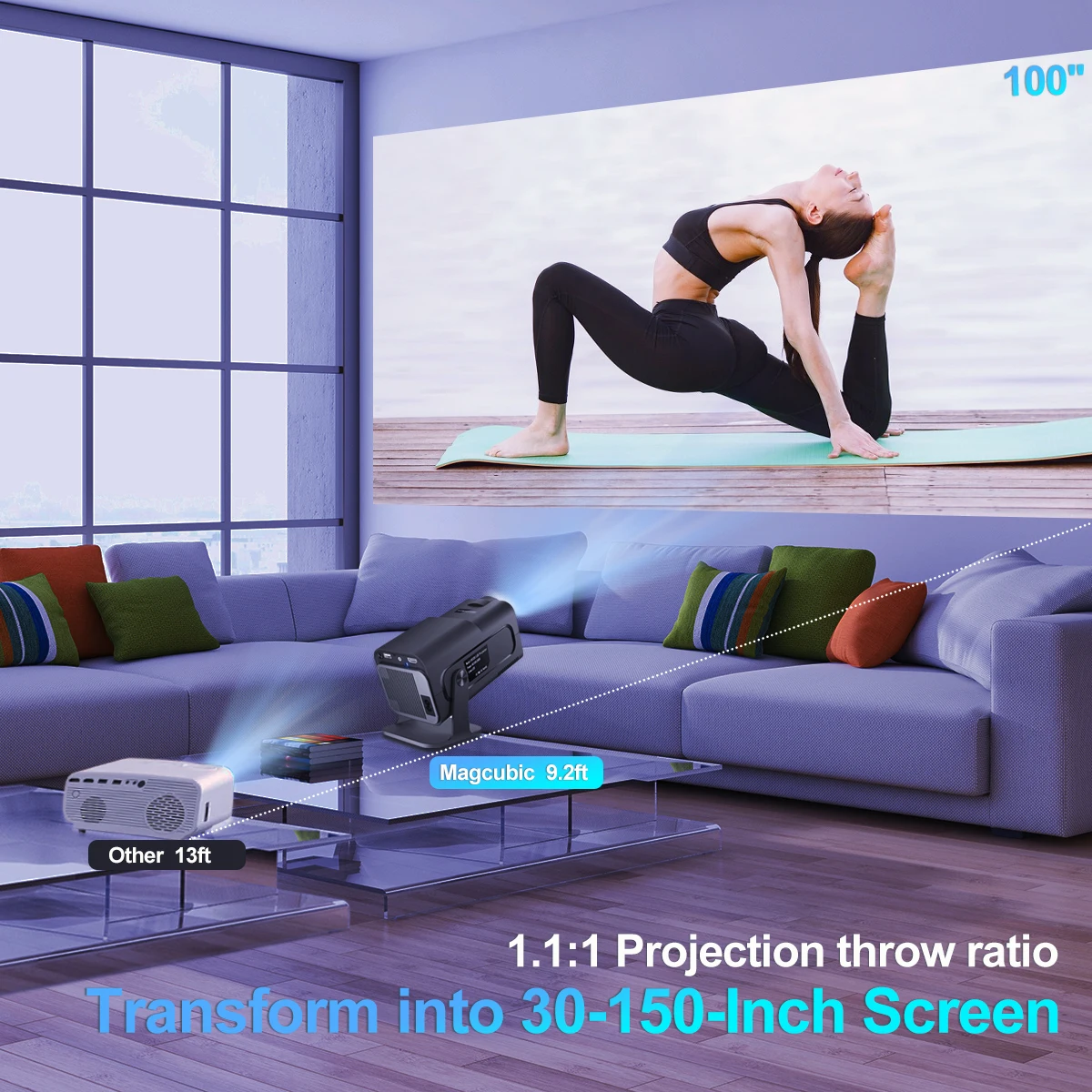
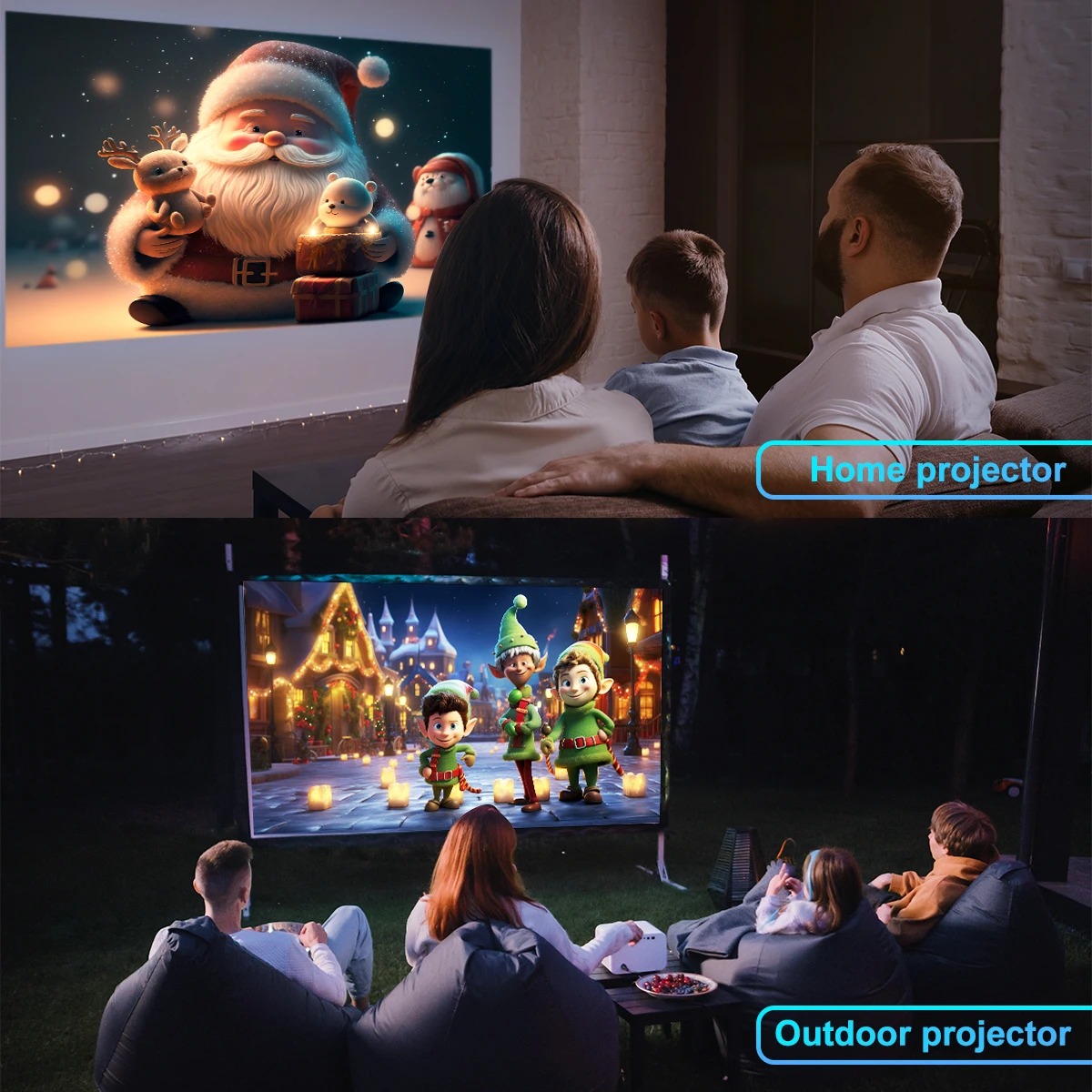
The portable projector provides a 30-150-inch projection display at a projection distance of 1-4 m, with a 16:9 aspect ratio, optimal viewing in both home theaters and outdoor movies!
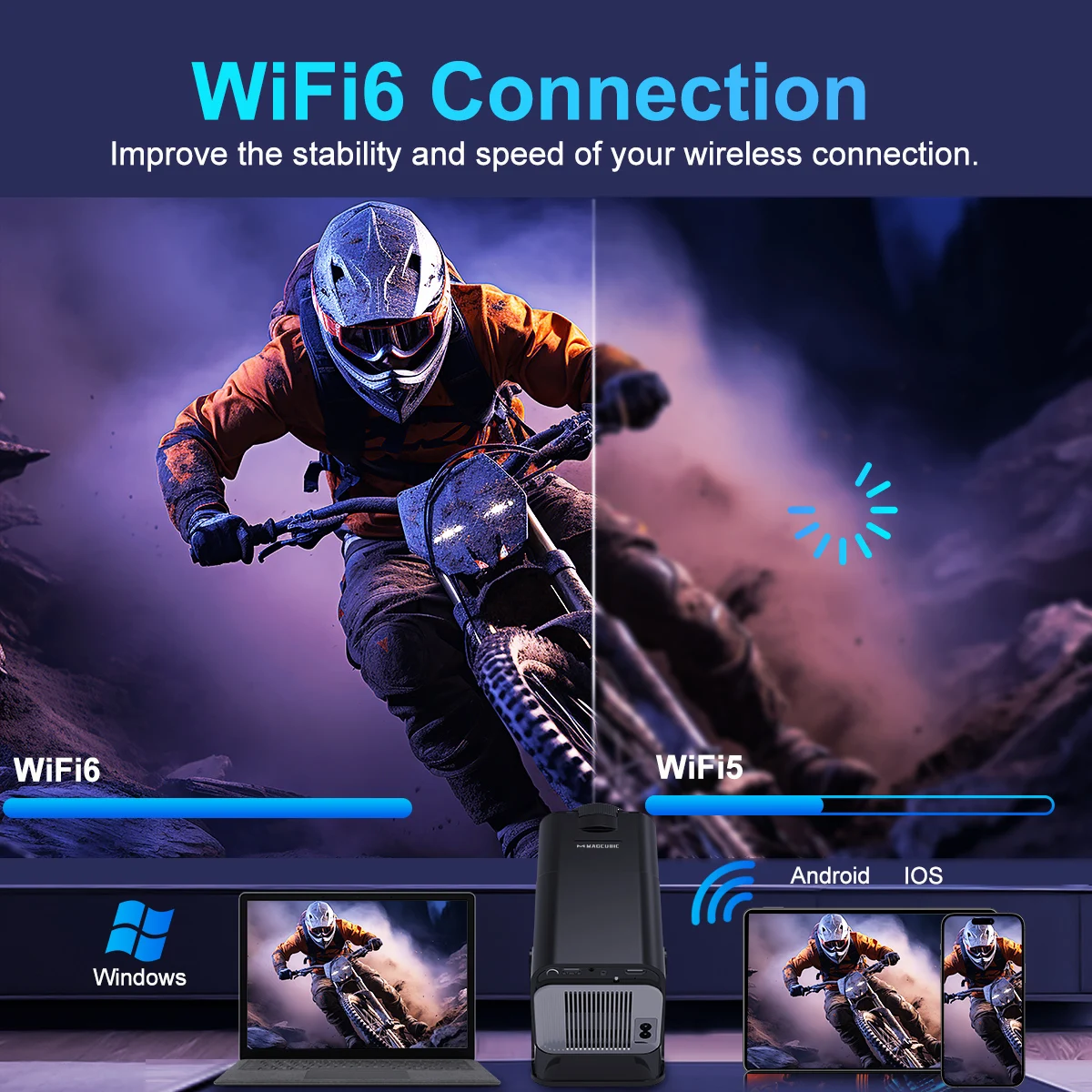
👍 No latency Ultra-fast WiFi 6 2.4G/5G Dual Band WiFi
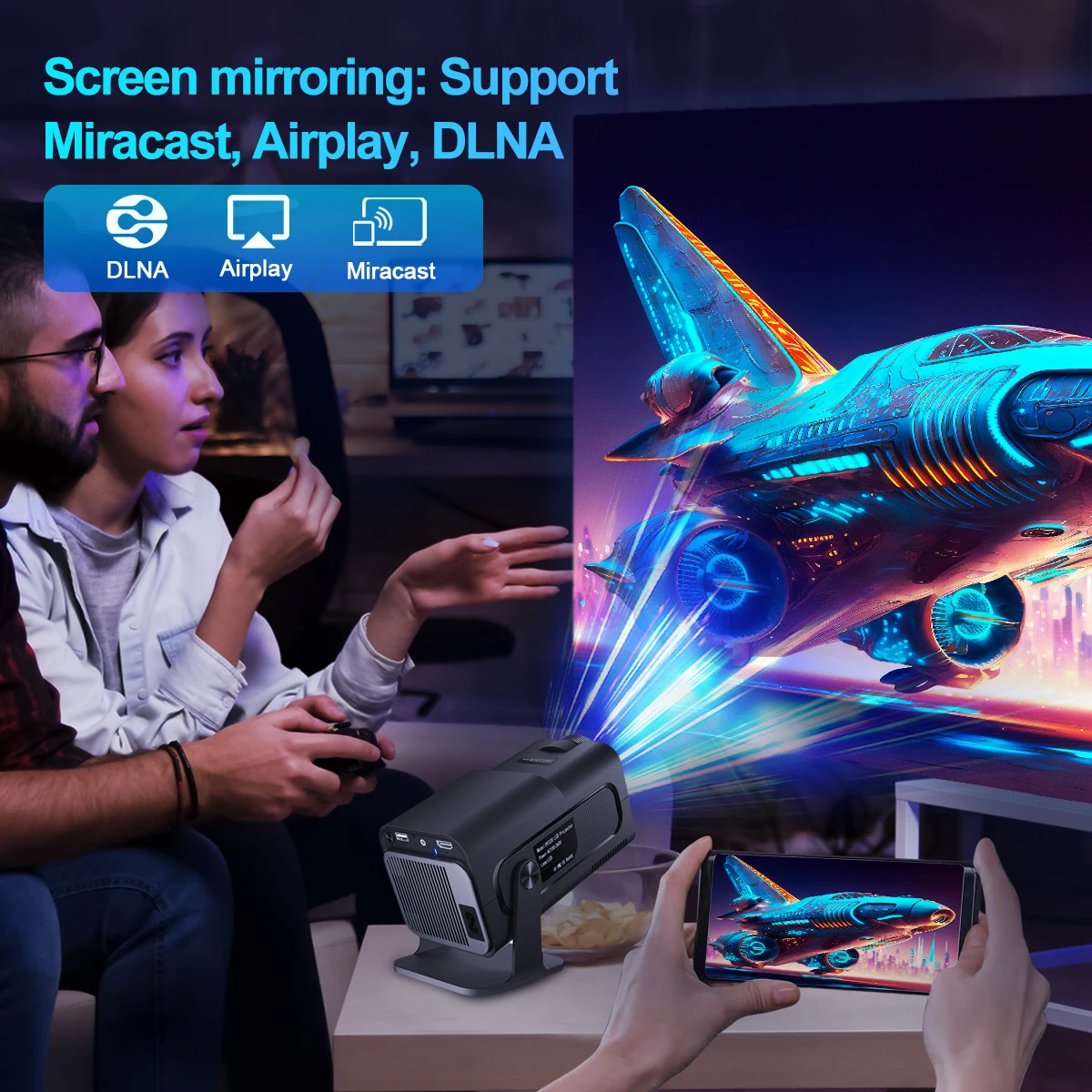
The projector uses industry-leading WiFi 6 technology, the transmission is faster and more stable, enjoy a smooth viewing and gaming experience! You can wireless screen mirroring through Miracast and Airplay
❗ Pls note our projector can support 4K video decode, but output video highest resolution is 1920*1080P
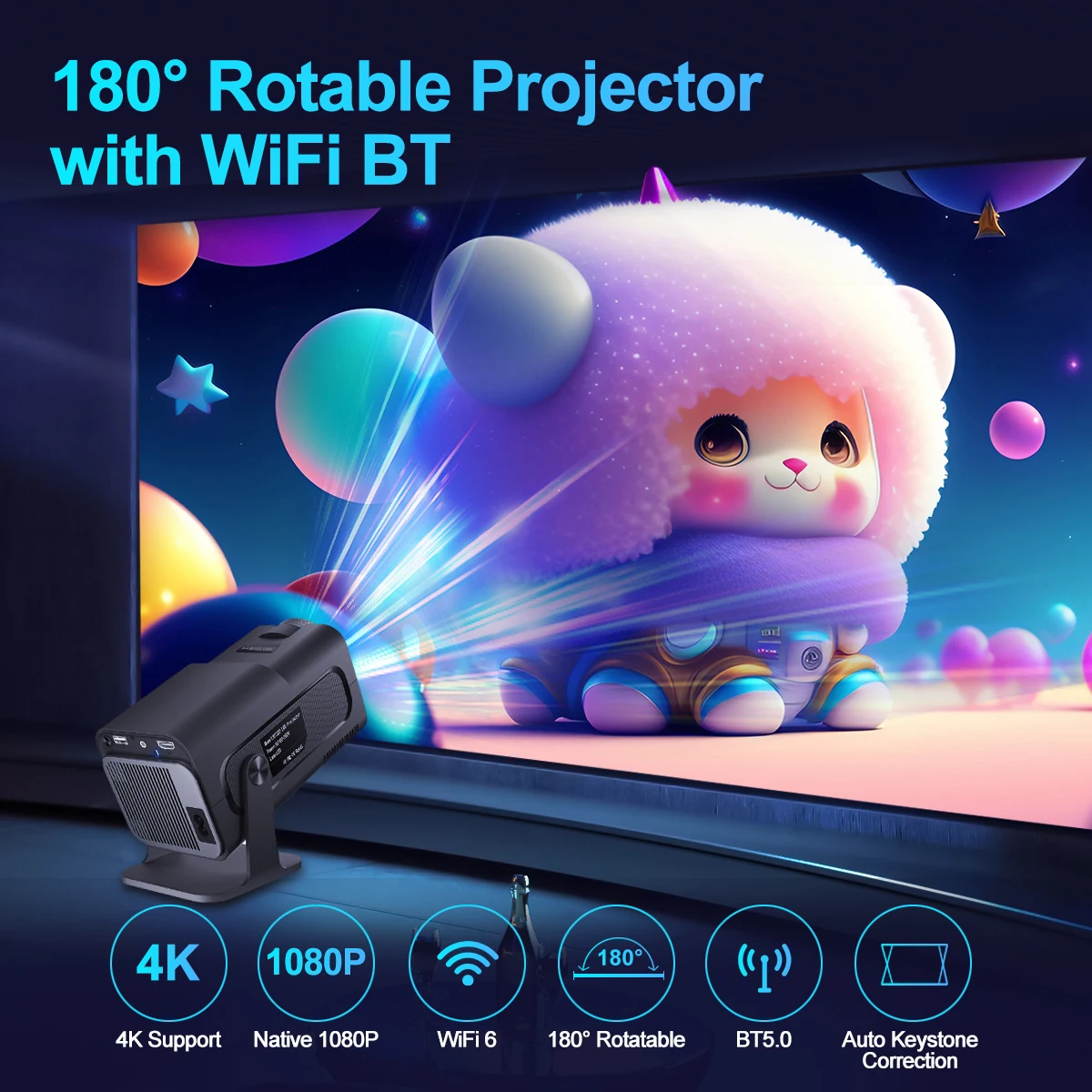
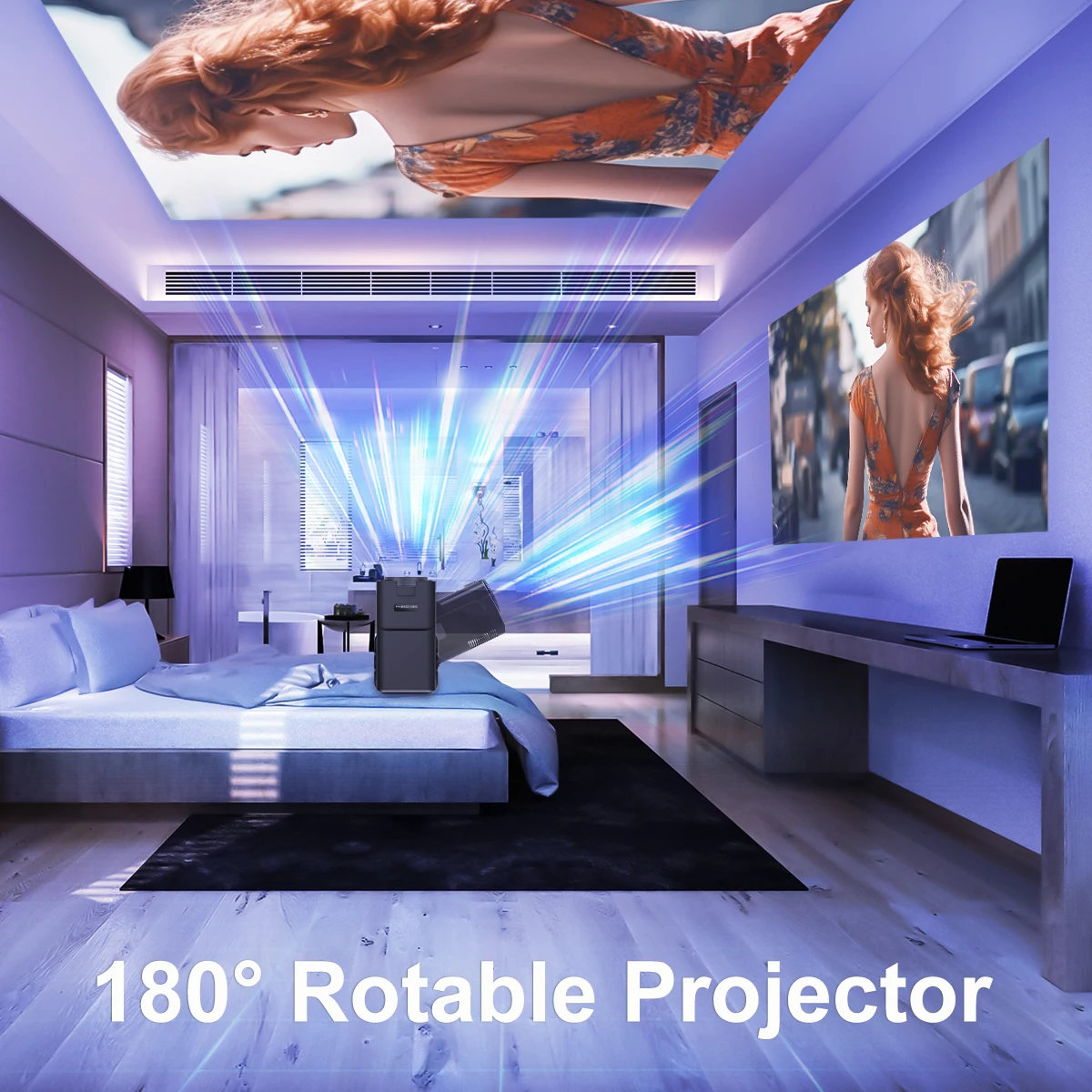
180° Rotatable Projector with WIFI6 BT5.0
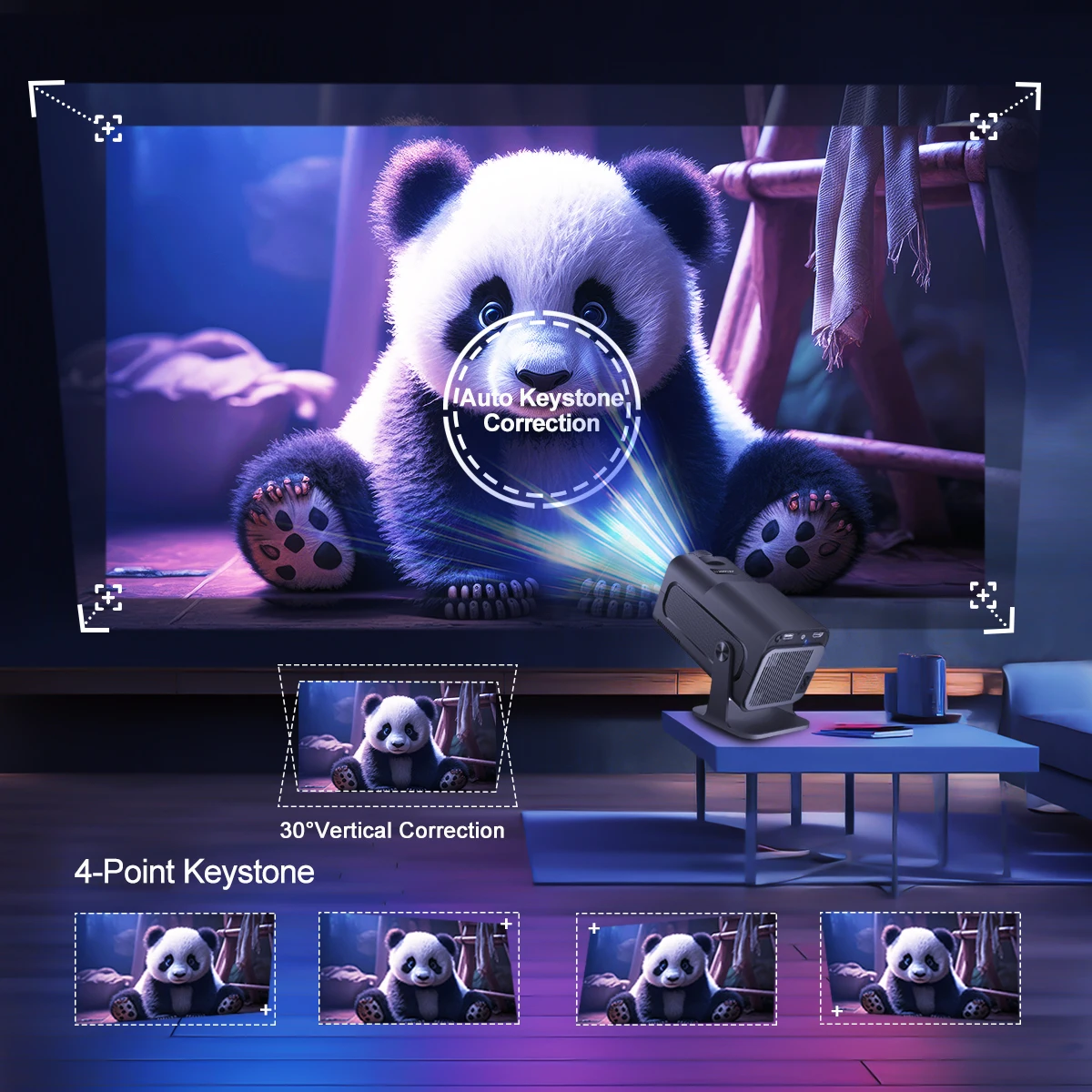
4K & 1080P & WIFi 6 & 180° Rotatable & BT 5.0 & Auto Keystone Correction
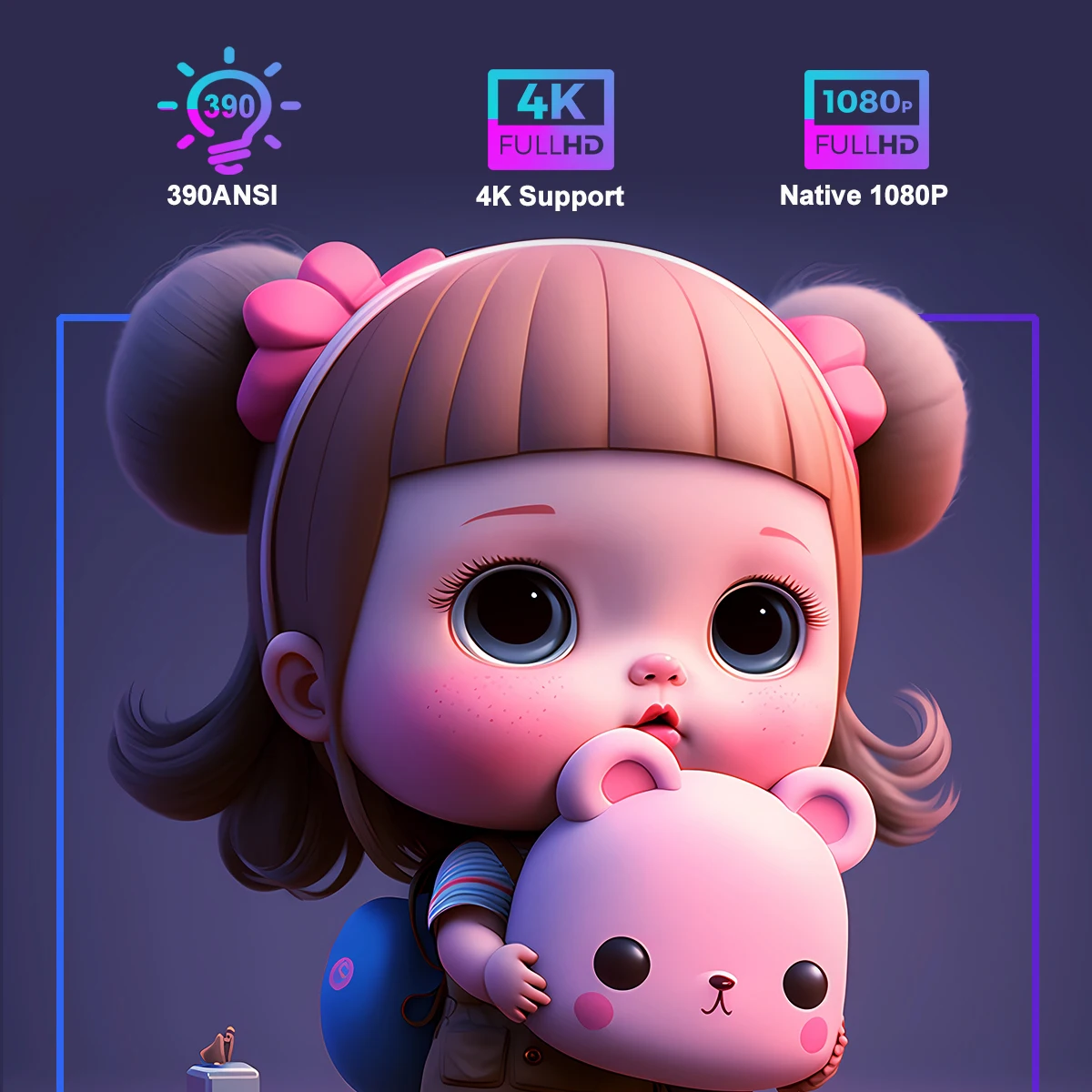
390ANSI & 4K Support & Native 1080P
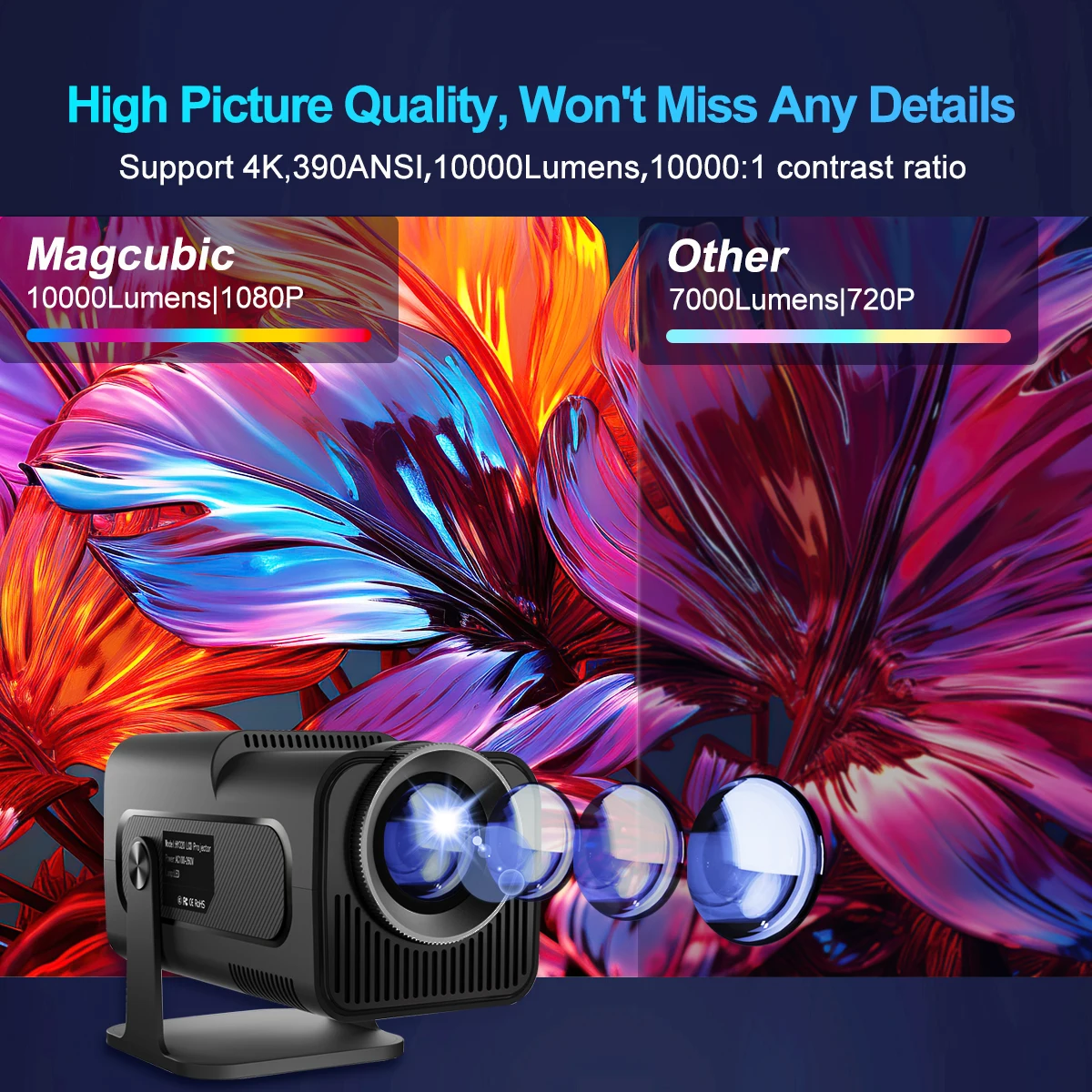
High Picture Quality,Won't Miss Any Details
Support 4K ,390ANSI,10000Lumens,10000:1 contrast ratio
Native 1080P High Quality Image
Bring you clear, vivid and colorful picture
Wifi6 Connection
Improve the stability and speed of your wireless connection
BT 5.0 & Speaker built-in
180°flexible Projection Angle. Projecting Where You Want
Auto Keystone Correction
Transform into 30-150-Inch Screen
1.1:1 Projection throw ratio
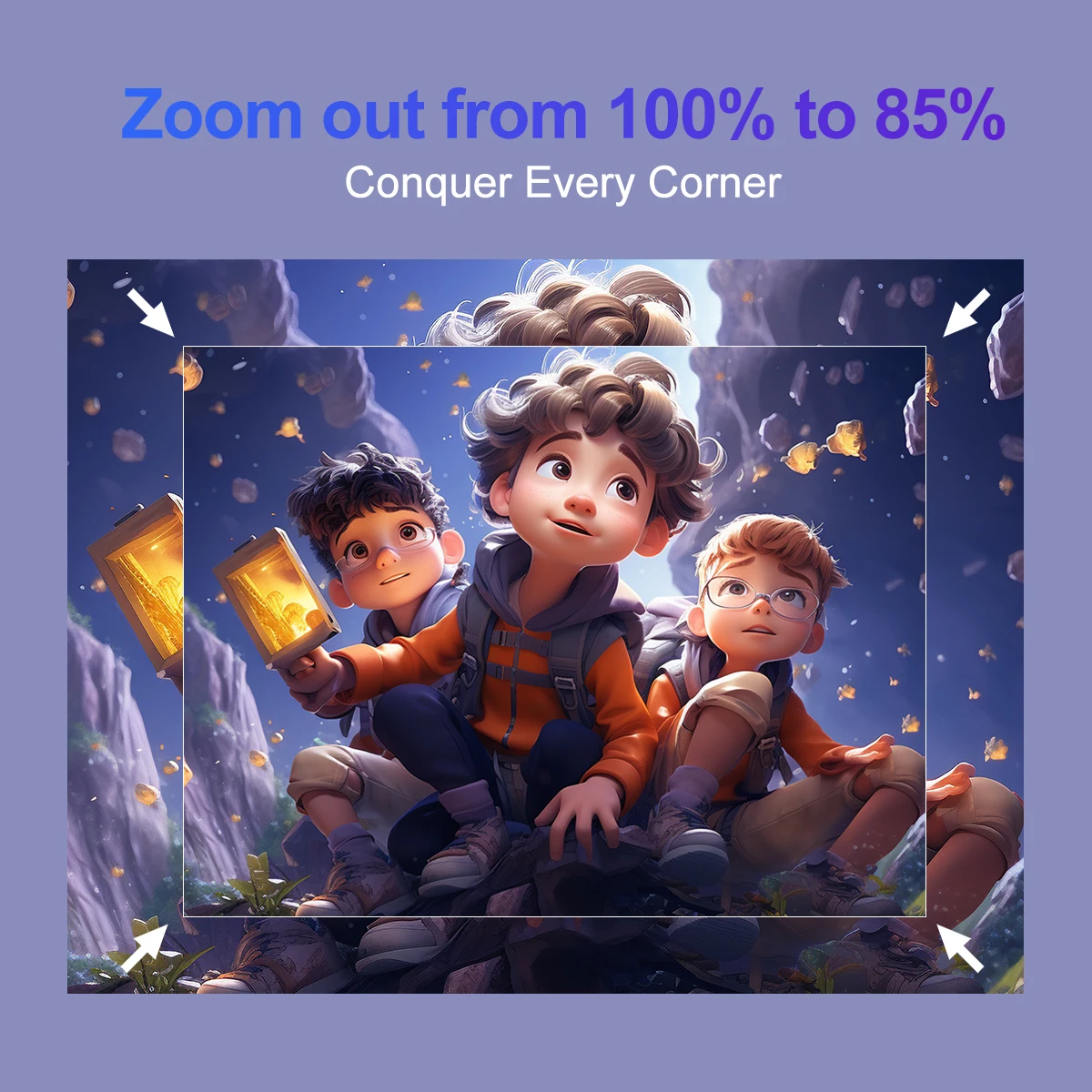
Zoom out from 100% to 85%
Sreen mirroring:Support Miracast ,Airplay ,DLNA
Android 11 System
App store projector is the combination of traitional projector and android 11 tv box operating system
Quad-core AEM Cortex-A53
Meeting All Your Needs
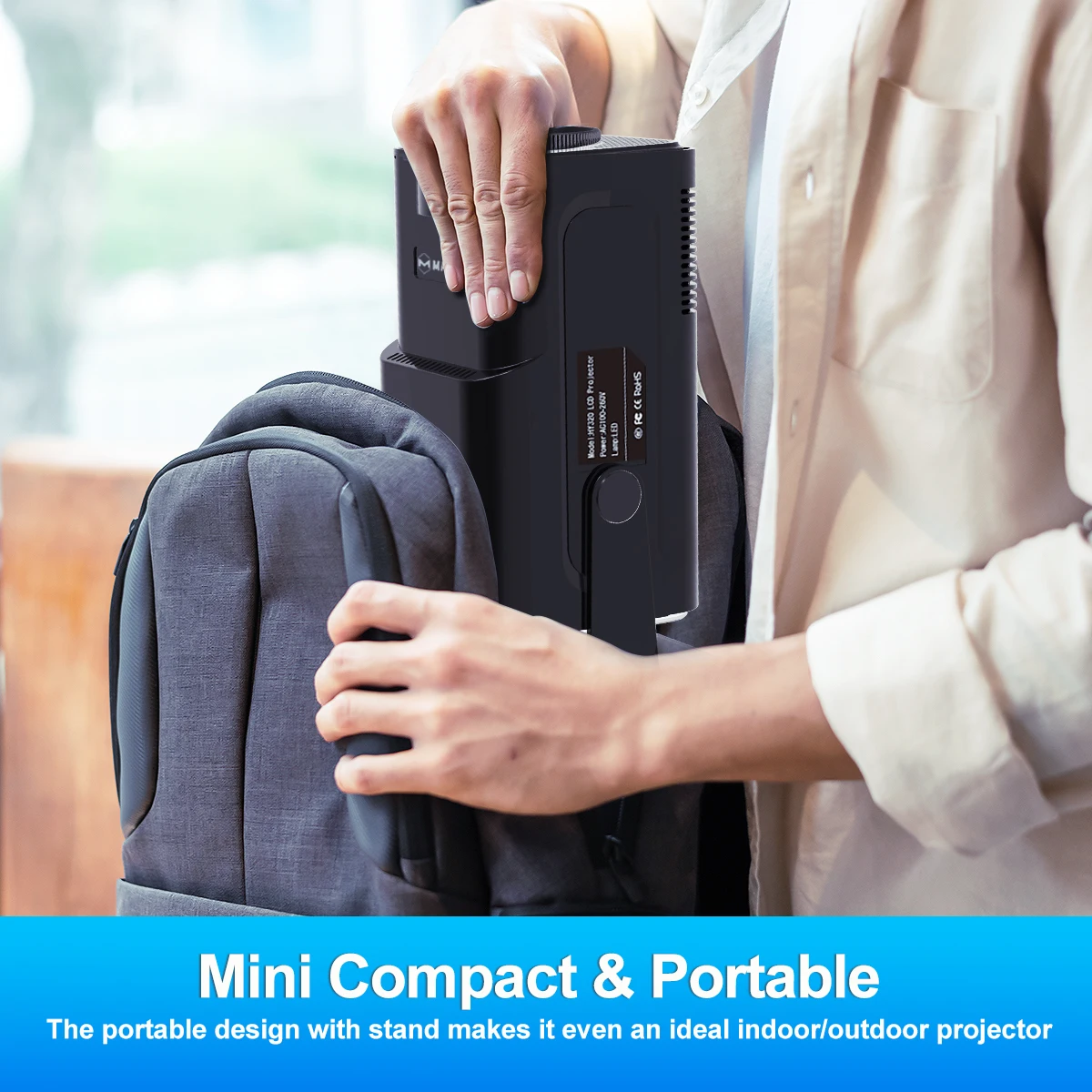
Mini Compact & Portable
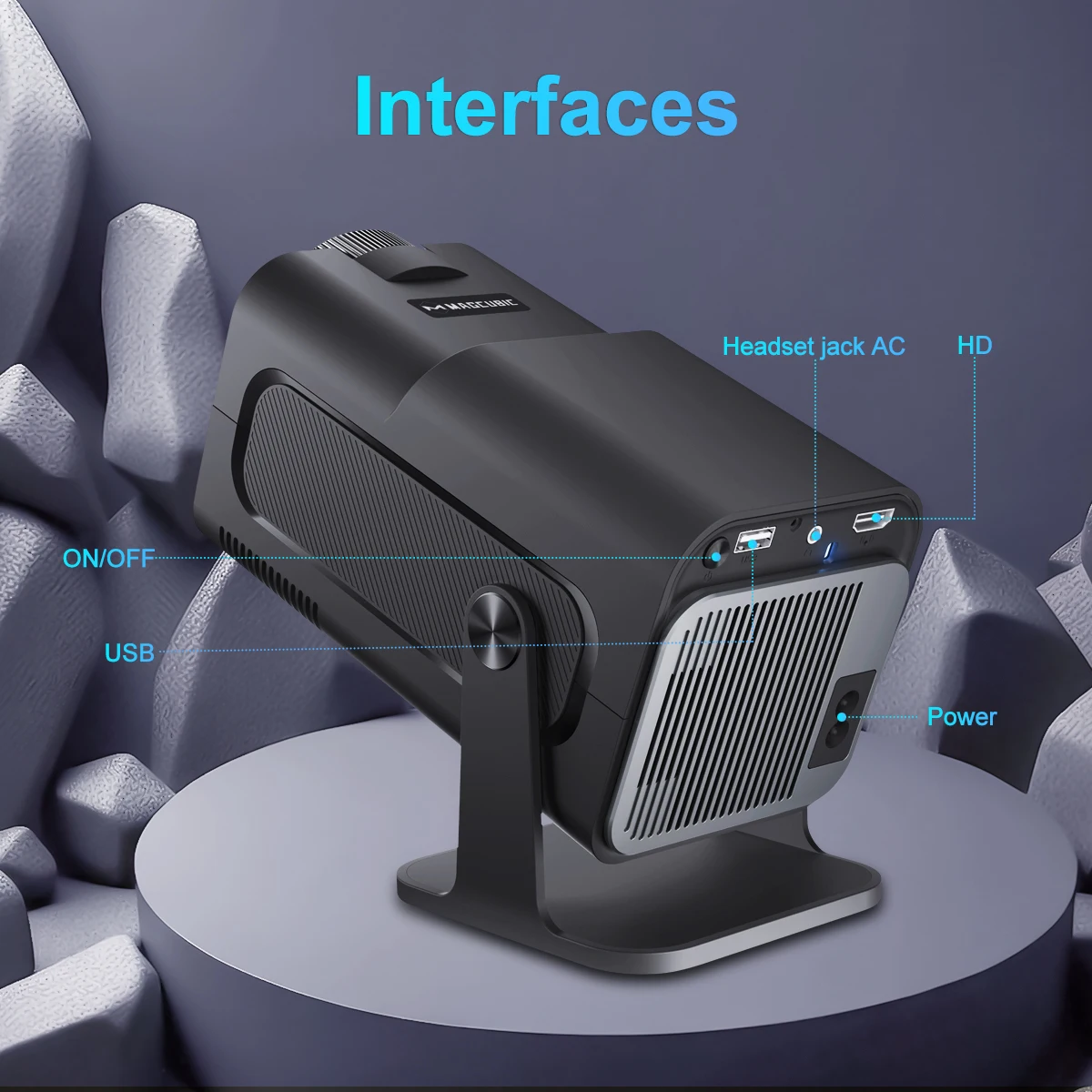
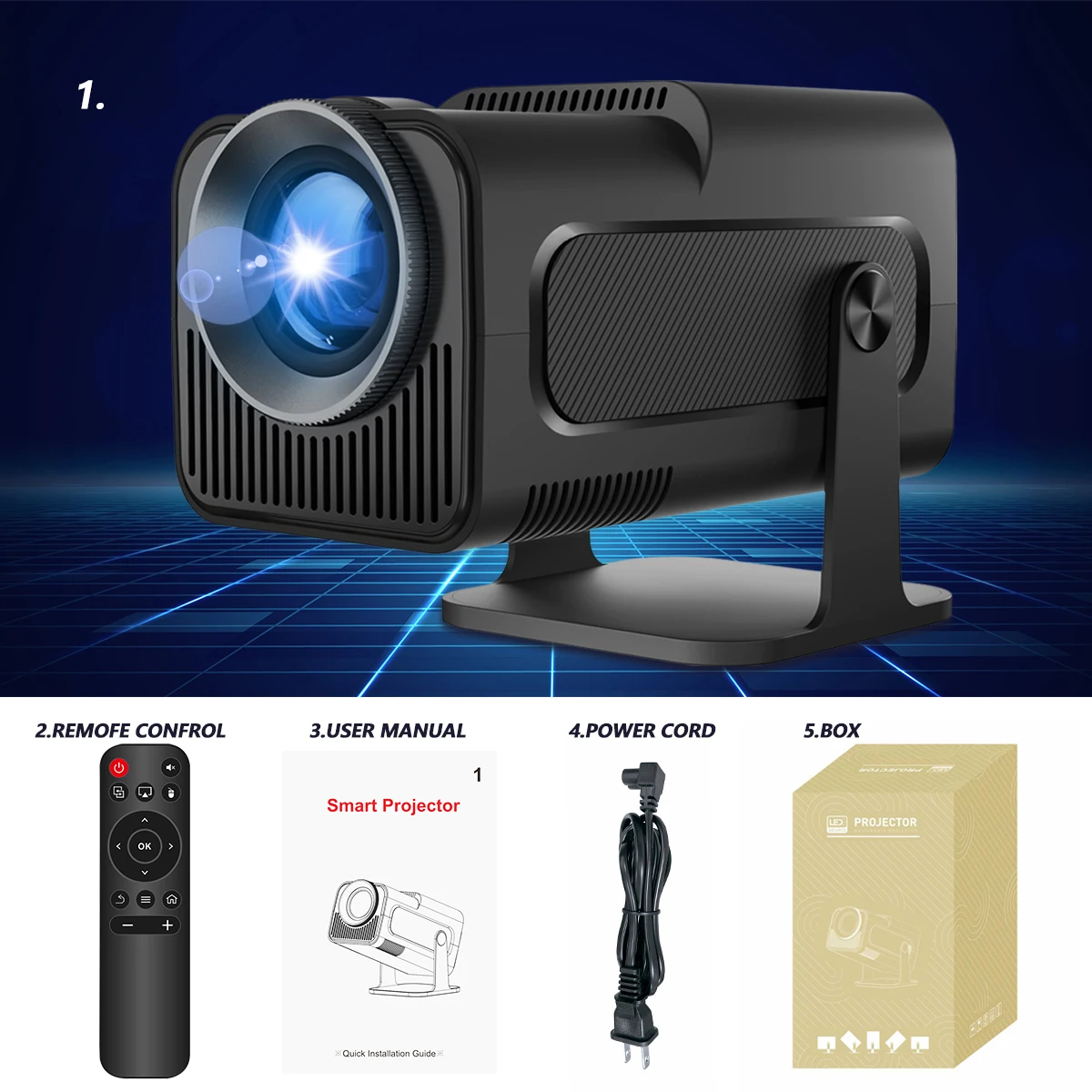
Interfaces & Package
Question & Answer
Q1: How Do I Upgrade the Firmware of HY320?
A: Go to Settings > System information > About devices > Online upgrade
Q2: How Do I Factory Reset the HY320?
A: Go to Settings > Other Settings > Restore factory settings
Q3: How Do I Zoom In/Out?
A: Go to Settings > Projection settings > Digital scaling
Q4: How Do I Manually Adjust the Keystone?
A: Go to Settings > Projection settings > Manual trapezoidal
Q5: How Do I Get the System Version of the HY320?
A: Go to Settings > System information > About devices > UI version
Q6: How Do I Connect BT Device?
A: Go to Settings > Bluetooth > Available devices
Q7: How to I activate HY320's focus?
A: To get a clear picture, simply turn the focus wheel on the projector until the image is sharp
Q8: What Should I Do If My Projector Has No Sound?
A: Try the following steps to see if they help:
1. Adjust Volume: Press the Volume Up/Down button on the remote control to make sure the volume isn’t muted or too low.
2. Connect to a BT Speaker: Go to Settings > BT Settings > Available Devices to connect your projector to an external Bluetooth speaker.
3. Check Video Format: If the video format includes Dolby sound, try playing a standard audio format to test if the issue is format-related.
4. Factory Reset: Perform a factory reset by navigating to Settings > Other Settings > Factory Reset to restore default audio settings.
5. Inspect Speaker Connection: If your projector has a built-in speaker, disassemble the device (with the projector powered off) to check if the speaker cable is securely connected.
Note: Ensure the projector is turned off and unplugged while inspecting internal components to avoid any risk of injury.
Q9: What Should I Do If the Image is Tilted?
A: Try the following steps to see if they help:
1. Ensure the projector is properly aligned and that the lens is facing the screen directly.
2. Navigate to Settings > Projection settings > Keystone Correction > Initial angle correction.
3. If the above steps don't resolve the issue, manually adjust the keystone correction by going